
 MENU
MENUGames like Kahoot: free quiz games for the classroom
An honest look at the best Kahoot alternatives for teachers: Blooket, Gimkit, Wayground, Quizlet Live, Plickers and more, and what each one is good for.
Kahoot is the quiz game most pupils already know. The teacher puts a question on the board, everyone answers on their own device, and the fastest right answers win. It works, which is why it is everywhere. But after the tenth round of the term some classes start to switch off, the same three quick typists win every time, and you may want something that suits a different kind of lesson.
This guide goes through the classroom quiz games teachers use most as alternatives, what each one is actually good at, and where each one falls short. All of them can be used for free in some form, though free plans and prices change often, so check the current limits before you plan a unit around one.
What makes a good classroom quiz game
Before comparing tools, it helps to be clear about what you want the game to do. Most teachers we talk to care about the same handful of things.
- Getting in quickly. If pupils need accounts, passwords or an app, you lose five minutes of the lesson. A join code on the board is the gold standard.
- Everyone thinking, not just the fastest. Speed bonuses are exciting, but they reward the same pupils every time. Games where everyone has the full time to answer get more of the class retrieving.
- Little or no prep. Building a 20 question quiz from scratch takes time you may not have. Ready-made question banks or open prompts help.
- Something to talk about afterwards. The best rounds lead to discussion: why was that wrong, who else knew this, what was the trick.
- Safe by default. No open chat, no adverts, and the teacher can remove anyone who joins with a silly name.
No single tool wins on all five, which is why many teachers keep two or three in rotation.
The best free Kahoot alternatives
Blooket
Blooket takes a set of multiple choice questions and wraps it in a game mode: tower defence, a café to run, a gold hunt where you can steal from classmates and more. Pupils join with a game ID. Younger secondary classes love it because the game layer changes each time even when the questions do not. The flip side is that the game can take over, and a pupil can do well through luck in the mode rather than knowing the content. There is a free plan and a paid Plus plan with extra features.
Gimkit
Gimkit was built by a student, and it shows. Pupils answer questions to earn in-game money, then spend it on upgrades and power-ups, so a quiz turns into a small strategy game. Modes like Trust No One add a social deduction twist. It is great for repeated practice of the same set, since pupils see each question several times. The free plan is more limited than the paid one, so check which modes you get.
Wayground (formerly Quizizz)
Quizizz renamed itself Wayground in 2025, and old links still redirect. Its big difference from Kahoot is that it is self-paced: each pupil moves through the questions on their own screen, so nobody waits for the slowest and nobody is rushed by the fastest. It also works as homework, and its reports are detailed. It feels less like a live event, which is either a strength or a weakness depending on what you want.
Quizlet Live
If your class already uses Quizlet flashcards, Quizlet Live turns any set into a team game. Pupils are put into random teams and the answers are spread across their screens, so they have to talk to each other to find the right one. A wrong answer sends the team back to the start, which makes accuracy matter more than speed. It is very good for vocabulary and key terms.
Plickers
Plickers needs no pupil devices at all. Each pupil has a printed card with a shape on it, and they turn it to show A, B, C or D. You scan the room with your phone and the answers appear on the board. Ideal for schools with strict phone rules or patchy Wi-Fi, though it only does multiple choice.
Mentimeter
Mentimeter is a presentation tool first. Its live polls, word clouds and quiz slides work well inside a normal lesson, and pupils join with a code at menti.com. Word clouds in particular make a nice opener: ask the class for one word about last lesson and see what comes up most.
Socrative
Socrative is the quiet workhorse: quick quizzes, exit tickets and a team race called Space Race. It is less flashy than the others, but it is fast to set up and the results are easy to read.
Wordwall
Wordwall is less a quiz game and more a box of templates: match up, anagrams, word searches, a spinning wheel, a quiz show. Many work best on the board with the whole class, and most can be printed too.
Nichenaut: when you want more than one right answer
All of the games above are built on questions with one correct answer. That is perfect for checking a specific fact. It is less good at showing how much a class knows about a topic as a whole. Nichenaut, which we make, works the other way round.
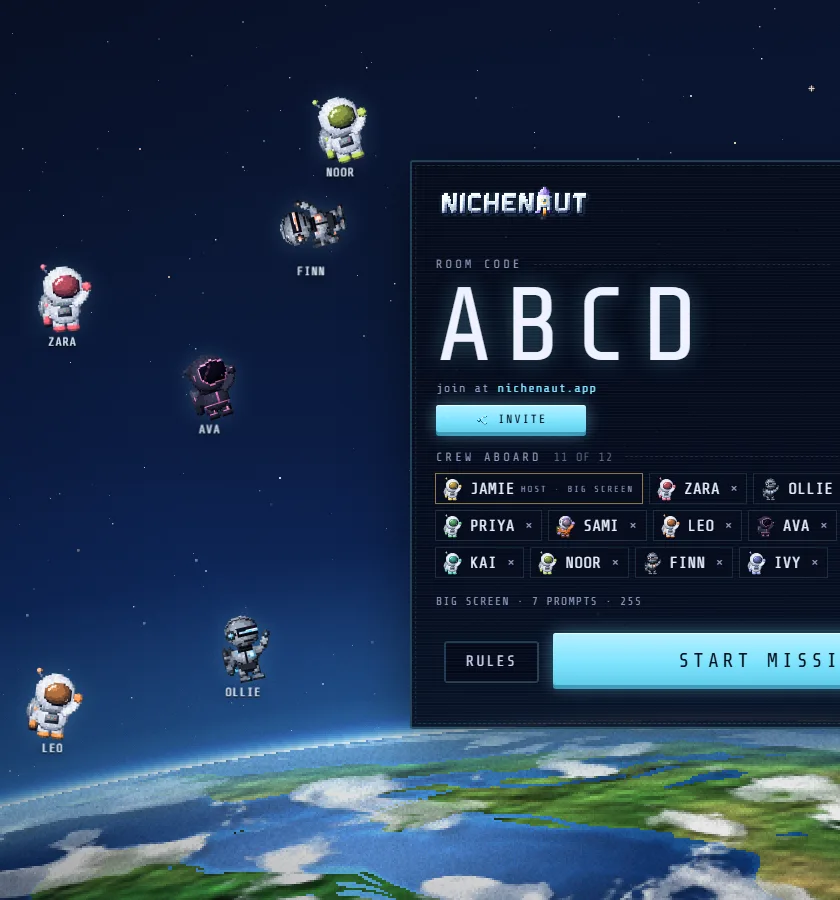
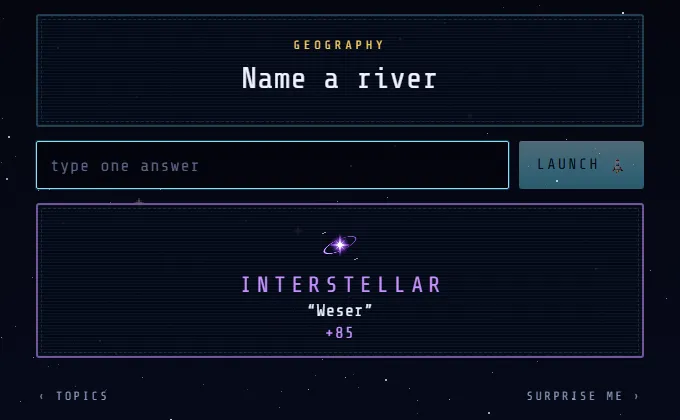
Instead of a question, the board shows an open prompt. Every pupil types one answer on their own device, and every correct answer counts. The twist is that rarer right answers score more. If half the class writes “oxygen” for name a chemical element, that is fine, but the pupil who writes “molybdenum” flies far further.
- Name a chemical element
- Name a country in Africa
- Name an ancient civilisation
- Name a word with a silent B
- Name a famous scientist
- Name a maths word or topic
A few things make it work well in class:
- Nobody needs an account. Pupils go to nichenaut.app, type the room code and a name, and they are in. There is a QR code on the board as well.
- Speed does not matter. Everyone gets the full time, 25 seconds by default, and the score only depends on how rare your right answer was. Pupils who think slowly but know a lot do well.
- No prep. There are over 1,800 prompts across topics like science, geography, history, words and language and school life, each with a long list of accepted answers.
- The reveal teaches. After each prompt the board shows what the class said, from the most common answer to the rarest. It is a natural moment to ask “who knew that one?”
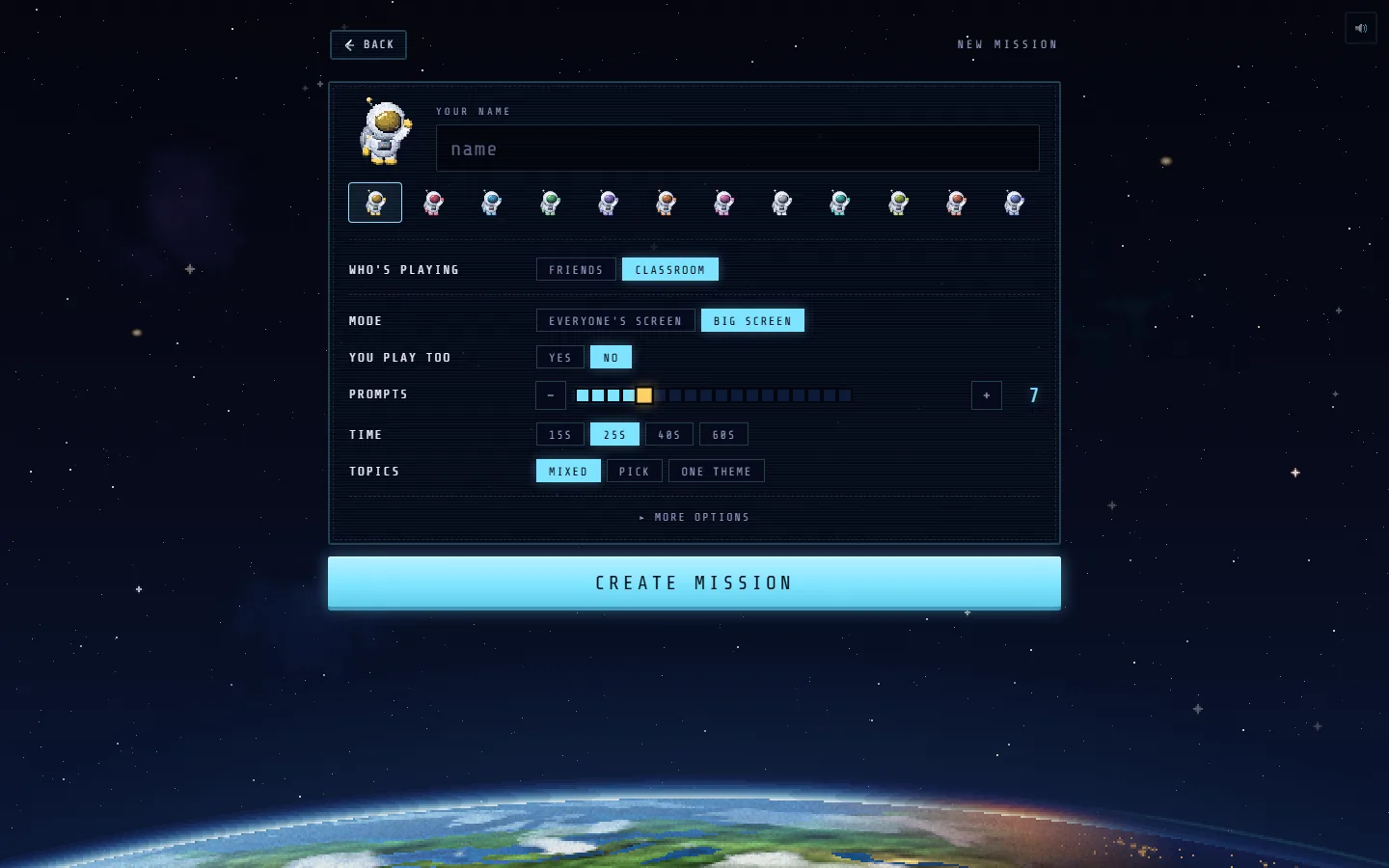
Class mode is built for this. The teacher's screen becomes the big screen, the teacher does not play, and rooms take up to 25 pupils. Class rooms are private, have no chat (only preset reactions), never use the 18+ prompts, and show no paid offers. You can remove a player or skip a prompt at any time. Our page for teachers has the details.
Where it is weaker: Nichenaut does not let you write your own question set for a specific unit in class mode, and it is not built to test one exact fact. Think of it as a retrieval and vocabulary game for breadth, used next to the tools above rather than instead of all of them.
Which one should you pick?
A rough guide, based on what you want from the lesson:
| If you want | Try |
|---|---|
| A loud, live end of unit quiz | Kahoot, Blooket |
| Lots of repetition of one set | Gimkit, Quizlet Live |
| Everyone working at their own pace | Wayground |
| No pupil devices | Plickers |
| A poll or word cloud inside your slides | Mentimeter |
| A quick exit ticket | Socrative |
| Breadth of knowledge and vocabulary, no prep | Nichenaut |
Whatever you choose, keep the stakes low. The research on retrieval practice is clear that the act of pulling something from memory is what helps, not the score. A game is just a way to make pupils want to do it.
Questions people ask
Is there a free game like Kahoot with no sign-up for students?
Yes. Most of the tools here let pupils join with a code and no account, including Kahoot itself, Blooket, Wayground and Nichenaut. Nichenaut needs no account for the teacher either: open nichenaut.app, choose Host, then Classroom.
What is the best Kahoot alternative for secondary school?
It depends on the lesson. Gimkit and Blooket keep younger secondary classes engaged, Wayground suits self-paced practice and homework, and Nichenaut works well with older pupils because it rewards knowing a topic widely rather than answering fastest.
Can I use these games without pupils having phones?
Plickers needs only printed cards and the teacher's phone. Most others need a device per pupil or per pair. Pupils can share a laptop in pairs in Nichenaut, which also makes them talk about their answer.
How many pupils can join a Nichenaut class room?
Up to 25 in class mode, which covers most classes. The teacher's screen shows the prompts and the reveal; pupils answer on their own phones, tablets or laptops.

free, in the browser
Play Nichenaut
Put a prompt on the board, pupils answer on their own devices, and the rarest right answers score most. Free, no adverts in class, no sign-up.
 PLAY NOW
More from the blog
- Classroom
Starter and plenary activities that need no prep
Quick starters and plenaries for secondary lessons that take a minute to set up: retrieval tasks, list challenges, odd one out and more, with timings.
 Tips
TipsHow to get better at general knowledge quizzes
Practical ways to know more and remember it under pressure: think in lists, learn the second answer, practise little and often, and stop freezing on the obvious one.
 Party games
Games like Pointless you can play with friends
Love finding the answer nobody else thought of? Here are the best ways to play a Pointless style game with friends, online or round a table.