
 MENU
Classroom games that work on school devices and networks
What to check before relying on a quiz tool in a lesson: browser or app, pupil accounts, chat, adverts and school web filters, and what to send IT to get a site allowed.
You find a great classroom game, plan a lesson around it, and on the day it will not load. The school network blocks it, the Chromebooks cannot install it, or half the class need a password they never had. It happens to every teacher at least once.
Here is what to check before you rely on a quiz tool in a lesson, how school filters and devices tend to treat them, and how to ask IT to allow one.
What to check before the lesson
- Does it run in the browser? School Chromebooks, iPads and shared laptops often cannot install apps. A tool that works at a web address is the safest choice.
- Do pupils need accounts? Accounts mean passwords, emails and five lost minutes. A room code and a name is much quicker, and means less pupil data.
- Is there open chat? Many school filters and safeguarding leads are wary of tools where pupils can message each other freely.
- Are there adverts? Adverts on the board in front of a class are best avoided.
- Is it allowed on the network? Try it on a school device on the school network, not on your phone at home.
- What age is it for? Check the tool's terms. Many online services are for users aged 13 and over.
How school filters decide
Most schools use a web filter such as FortiGuard, Securly, GoGuardian, Lightspeed or Smoothwall. They sort sites into categories, like education, games, social media or chat, and the school chooses which categories to allow. The category comes from what most of a site is about, and new or unrated sites are sometimes blocked until someone rates them.
That is why one quiz tool can work and a similar one cannot. If a tool you want is blocked, the fix is usually a short request to IT, not a workaround. Most filters also let anyone ask for a site to be rated again.
What to send your IT team
A short email gets the quickest yes. Include:
- The site's address, and any other addresses it needs to work.
- What you want to use it for, in one line: “a vocabulary starter in Year 10 English”.
- Whether pupils need accounts, whether there is chat, and whether there are adverts.
- A link to the site's own page for teachers or schools, if it has one.
Nichenaut on school devices
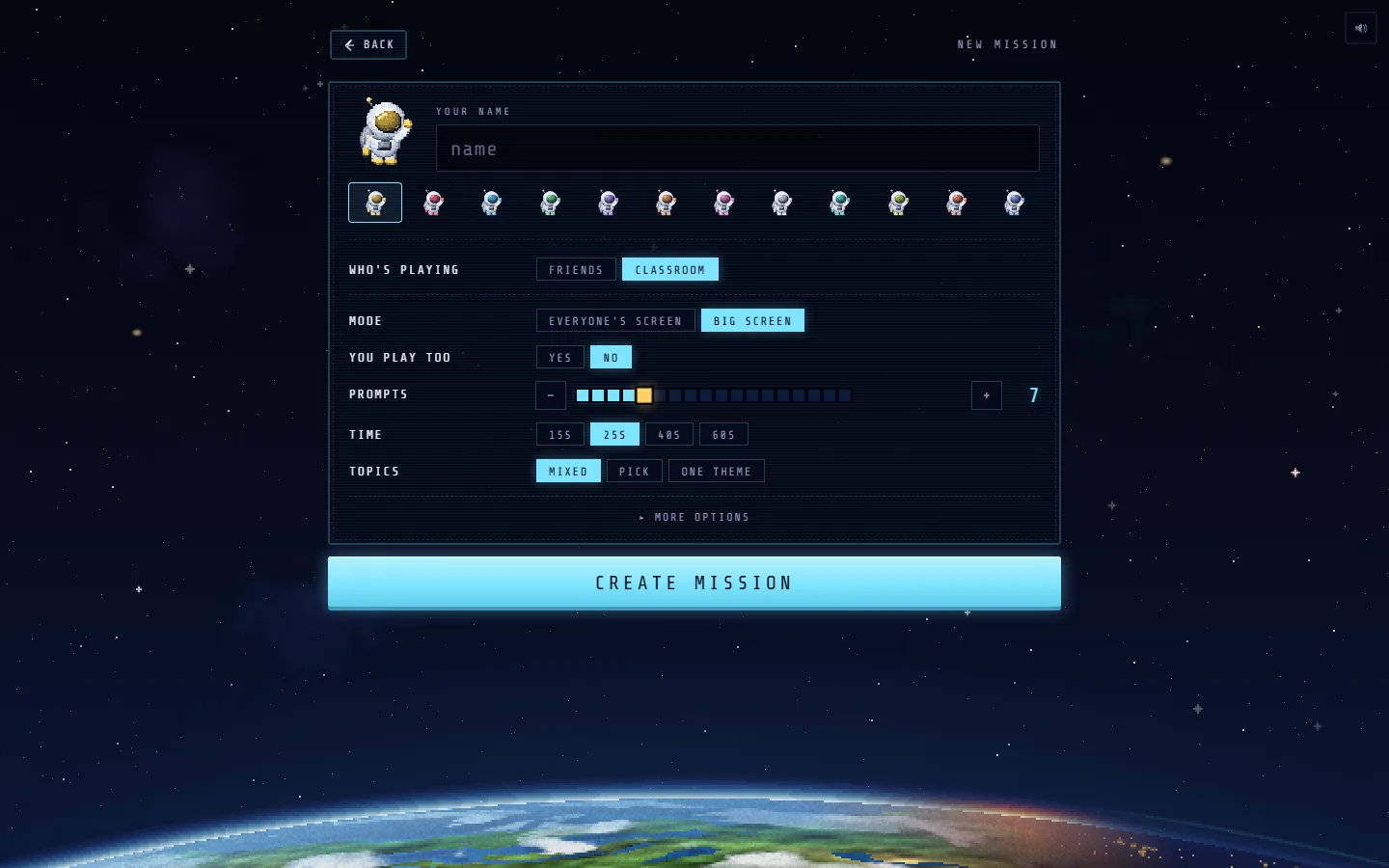
Nichenaut is a free general knowledge and vocabulary quiz for pupils aged 13 and over. It was built to pass the checklist above:
- Browser only. It runs at nichenaut.app on Chromebooks, iPads, phones and laptops. Nothing to install. There is also a free iPhone app, but class mode never needs it.
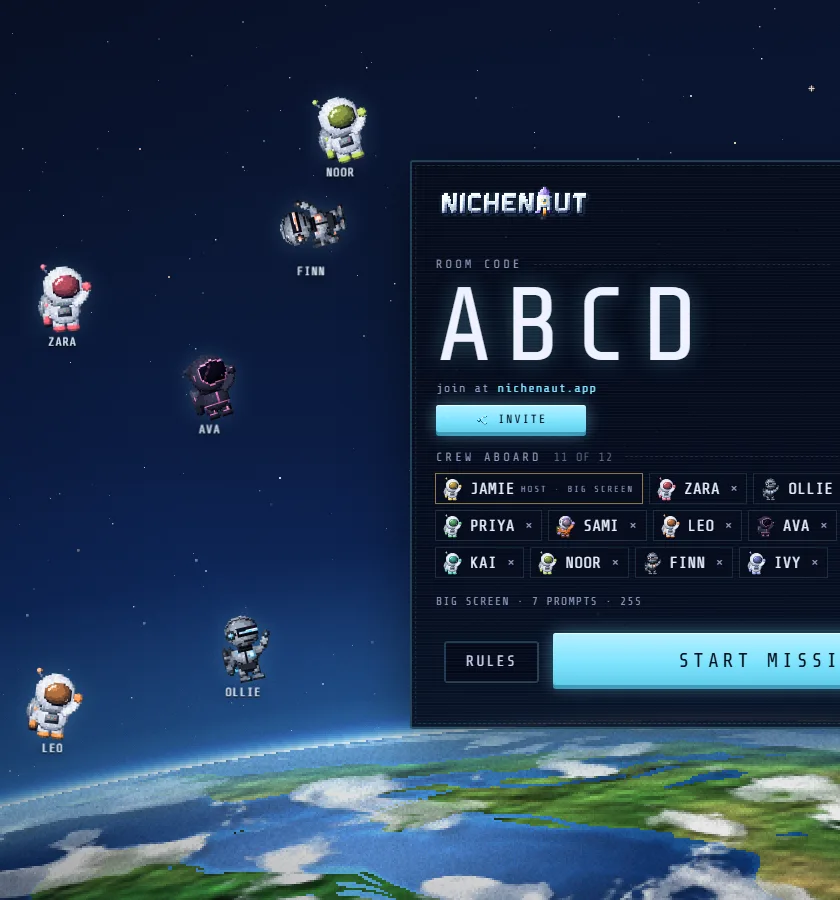
- No pupil accounts. Pupils type a room code and a name.
- No chat in class rooms. Only preset reactions. The teacher can remove a player or skip a prompt.
- No adverts or paid offers in class rooms, for pupils or on the board.
- Two addresses to allow: nichenaut.app, and nichenaut-rooms.nichenaut.workers.dev, which runs the live rooms and serves the game's pictures and sounds.
The page for teachers explains what the site is in plain words, and is the best link to send your IT team. Questions from schools about the site can go to the contact address on that page.
Questions people ask
Why is a classroom game blocked on the school network?
School web filters sort sites into categories and the school chooses which ones to allow. A game can be blocked because of its category, because it has not been rated yet, or because it uses an address the filter does not allow. Ask your IT team to review it.
Which quiz games work on school Chromebooks?
Tools that run fully in the browser work best, since Chromebooks often cannot install apps. Kahoot, Blooket, Wayground and Nichenaut all run in a browser. Check each one on a school device on the school network before the lesson.
What addresses does Nichenaut need?
nichenaut.app for the site, and nichenaut-rooms.nichenaut.workers.dev for the live rooms and the game’s pictures and sounds. Both need to be allowed for class mode to work.
What age is Nichenaut for?
Nichenaut is for players aged 13 and over, so in school it suits secondary classes from Year 9 in the UK or 8th grade in the US.

free, in the browser
Play Nichenaut
Runs in any browser, pupils join with a code and no accounts, and class rooms have no chat and no adverts. For pupils aged 13 and over.
 PLAY NOW
More from the blog
 Classroom
Tutor time quiz ideas that need no prep
Seven quick quiz formats for secondary tutor time, a weekly routine, and how to run a whole group quiz on the board with no prep and no pupil accounts.
 Classroom
Vocabulary games for secondary lessons
Six vocabulary games that get a whole secondary class retrieving key words, with timings, Tier 2 and Tier 3 words explained, and prompts you can use on the board.
 Classroom
End of term quiz ideas for secondary classes
Round ideas for an end of term class quiz, an hour planned minute by minute, seasonal prompts, and how to run it on the board with teams and no prep.